Browse MakerWorld's library of free 3D models, download the STL file, upload it here, and get it printed and delivered. No CAD skills or 3D printer needed.
5 min read
Free STL files
What is MakerWorld?
MakerWorld is a free platform by Bambu Lab with thousands of 3D printable models — phone stands, planters, toy figures, replacement brackets, desk organizers, and pretty much anything else you'd want printed. Think of it like an app store, but for physical objects.
Every model comes as an STL file (the standard format for 3D printing). You download it, upload it to our site, and we print and ship it to you. That's the whole process.
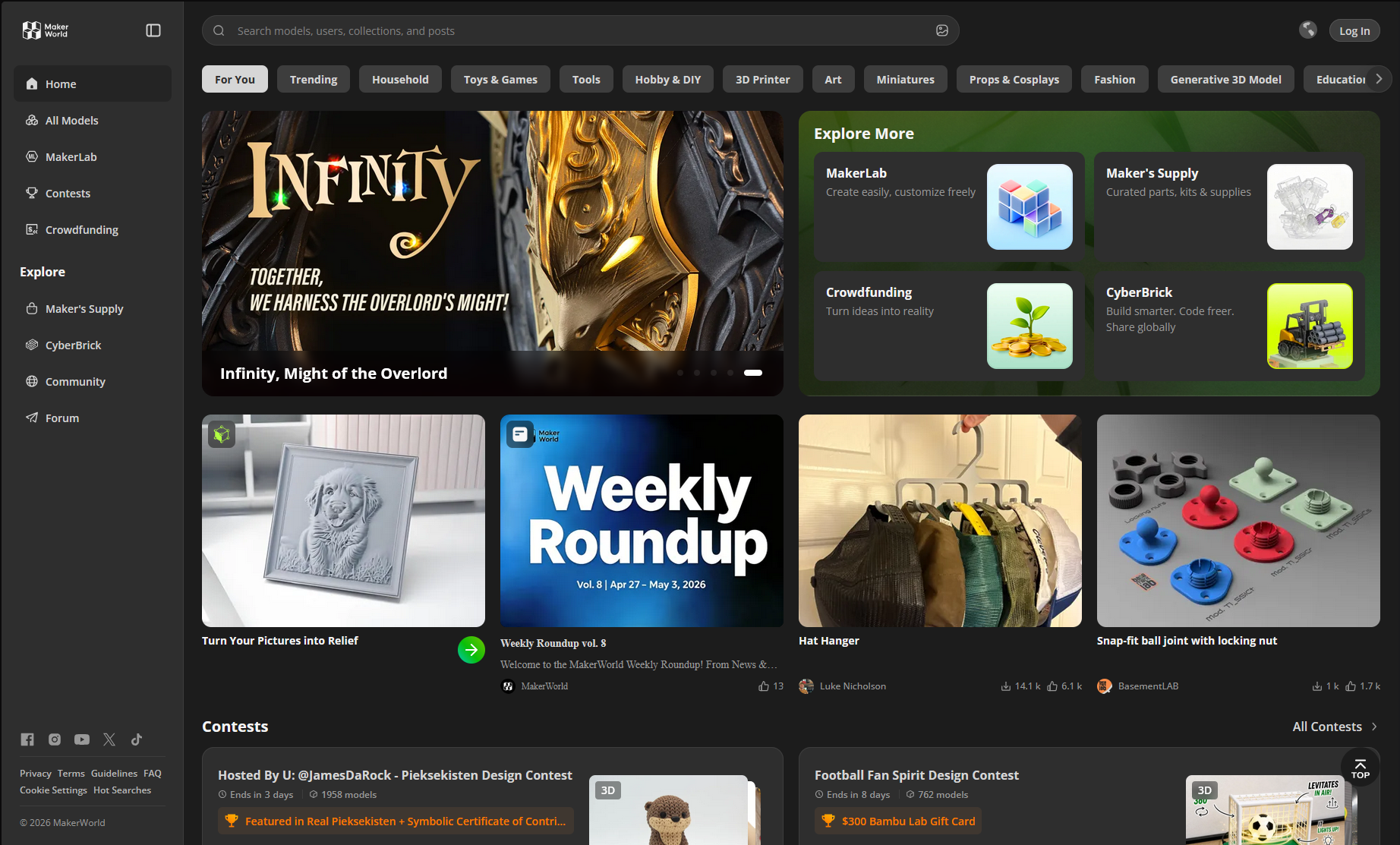
The MakerWorld browse view — filter by category, search, or check what's trending
How it works
Five steps, about 10 minutes from finding a model to placing your order.
1
Browse MakerWorld. Go to makerworld.com — search for what you want, or browse categories and trending models. Filter by "Free" to only see downloadable files.
2
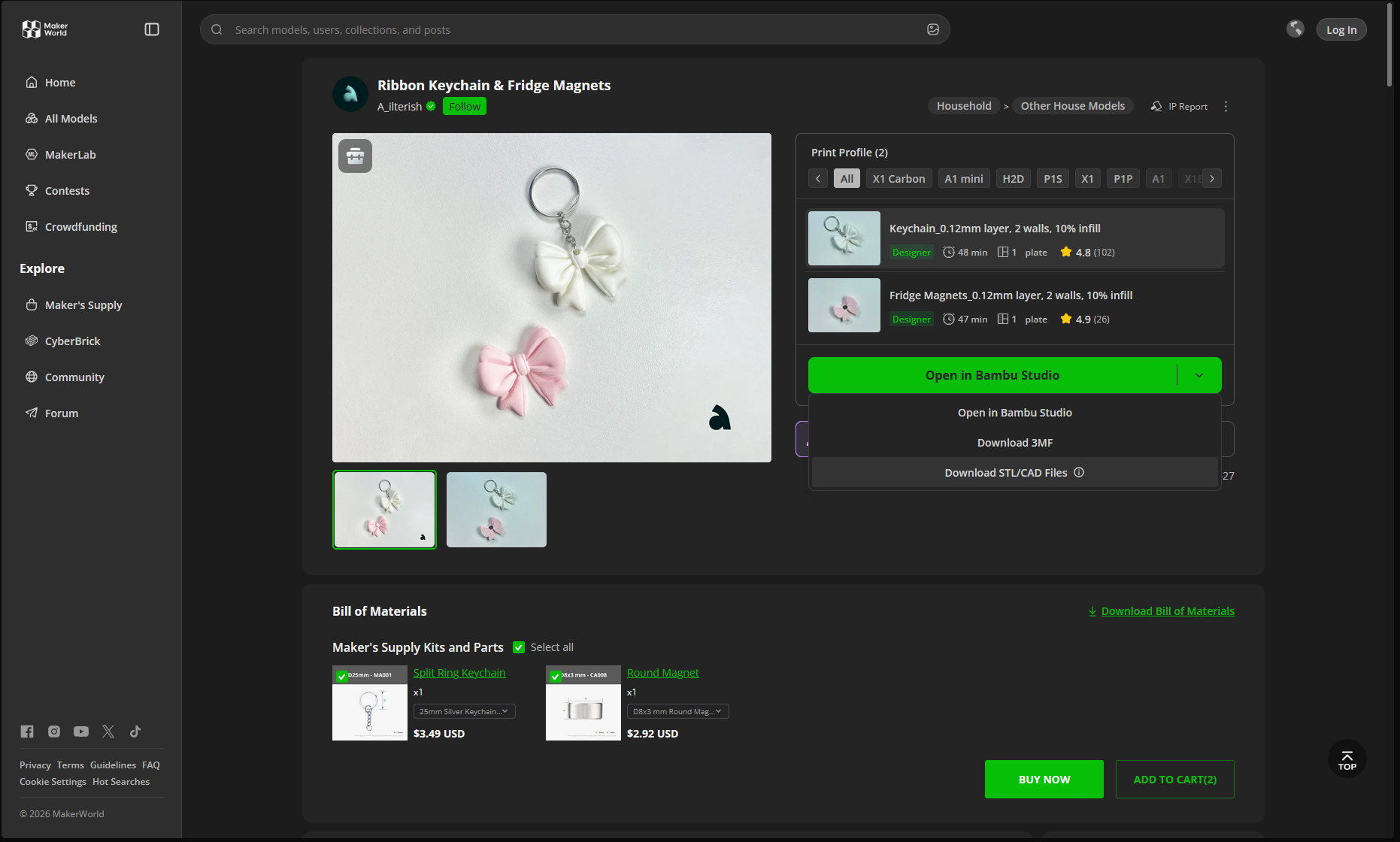
Download the STL. Click the download button on any model page. The file saves to your device. Some models have multiple parts — grab all the ones you want printed.
3
Upload to Pookie Prints. Open our upload page, drag and drop the STL file. You'll see a 3D preview and the model's dimensions, estimated weight, and print time — all calculated automatically.
4
Pick a material.PLA for decorative pieces (smooth finish, eco-friendly). PETG for functional parts (tougher, heat-resistant). You'll see the full price breakdown — material, print time, shipping, GST — before you pay.
5
Place your order. Pay via Razorpay (UPI, cards, net banking). No account required. We print it, inspect it, and ship it. Jaipur: same-day dispatch. Rest of India: 5-8 days.
Download from MakerWorld, upload to Pookie Prints — the file format is the same
What to look for in a model
Not every model prints equally well. Three things to check before downloading:
1
Print count. Models with hundreds of successful prints are usually well-designed. Low print counts aren't bad, just less proven.
2
User photos. MakerWorld shows photos of actual prints uploaded by other people. These tell you more than the digital render — if the real prints look good, yours will too.
3
Size. Large models cost more (more material, longer print time). For a first order, something in the 5-10cm range is a good starting point. The exact cost shows up on the upload page before you commit.
Other places to find STL files
MakerWorld isn't the only option. Thingiverse has over 3 million free models — it's the largest library. Printables (by Prusa) has clean curation and high-quality models. MyMiniFactory is strong for figurines and tabletop gaming miniatures. All of them provide STL files that work directly with Pookie Prints — same upload process regardless of where you found the file.
Found a model?
Upload the STL and get an instant quote. No account needed.