
Short answer
The four libraries worth your time are MakerWorld, Printables, Thingiverse, and MyMiniFactory. All four are free, all four give you an STL or 3MF, and any of those files can be uploaded straight to a printing service.
Free to download is not free to do anything with. Check the licence on the model page: CC0 means do as you like, CC-BY means credit the designer, CC-BY-SA adds share-alike, and anything marked NC may not be sold.
What is an STL file?
An STL file describes the surface of a 3D object as a mesh of triangles - the shape and nothing else. No colour, no material, no print settings. Those get decided afterwards, when the model is sliced for a specific printer, which is why the same STL can be printed in any colour or material you like.
You will also see 3MF files, a newer format that can additionally carry print settings and multi-colour information, and STEP files, which are CAD models meant to be edited rather than printed. For ordering a print, STL is the safe default.
The best sites for free STL files
Each library has a personality. Picking the right one for what you are after saves a lot of scrolling.
| Site | Best for | Worth knowing |
|---|---|---|
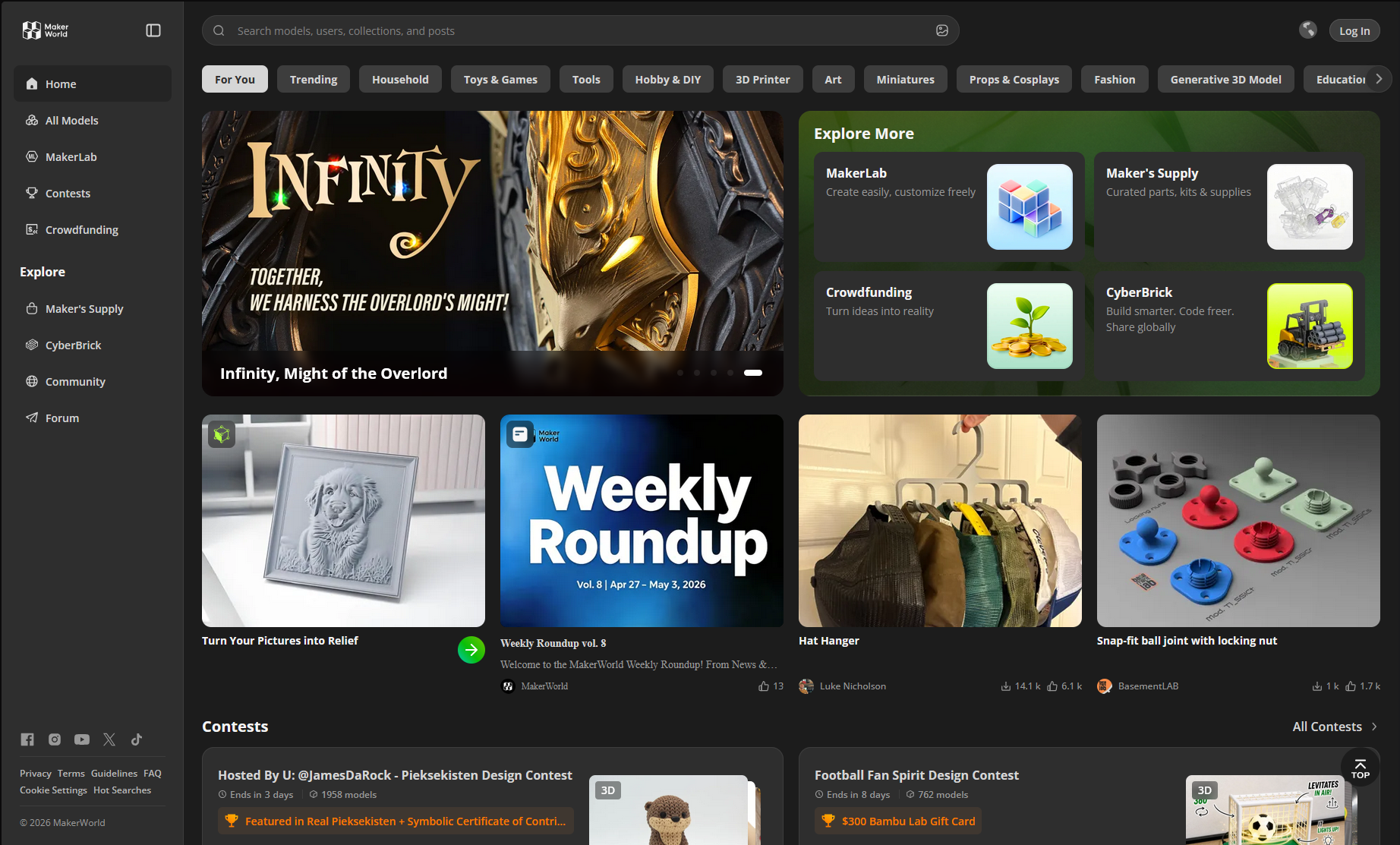
| MakerWorld | Well-tested, modern functional models | Run by Bambu Lab. Models come with tested print profiles and lots of real user photos - the friendliest starting point. See our MakerWorld walkthrough. |
| Printables | Clean, well-documented designs | Run by Prusa. Strong curation and an active contest culture, so quality is consistently high. |
| Thingiverse | Sheer volume and obscure parts | The oldest archive, with millions of models. Quality varies wildly - lean on print counts and user photos here more than anywhere else. |
| MyMiniFactory | Figurines, miniatures, tabletop | Curated and test-printed. Many minis are designed for resin, so check that a model suits FDM before ordering. |
| Thangs | Finding a model that exists somewhere | A search engine across many libraries, including geometric search - upload a shape and find similar parts. |
| Cults3D | Designer-led and niche work | Mixes free and paid models. Read the licence carefully; commercial terms are often restricted. |
How to tell a model will actually print well
A beautiful render tells you nothing. Five checks take about a minute and save most bad orders:
If you want the underlying reasons - why thin walls fail, when overhangs need supports, what tolerance to leave on a fit - our design guidelines cover them.
Licences: what you may actually do
The licence, not the price, decides what you can do with a model. Nearly all free models use Creative Commons terms, and they combine a few simple parts. This is the whole system:
| Licence | Print for yourself | Modify | Sell prints | Condition |
|---|---|---|---|---|
| CC0 (public domain) | Yes | Yes | Yes | None at all |
| CC-BY | Yes | Yes | Yes | Credit the designer visibly |
| CC-BY-SA | Yes | Yes | Yes | Credit, and share derivatives on the same terms |
| CC-BY-ND | Yes | No | Yes, unmodified | Credit; no modified versions |
| CC-BY-NC | Yes | Yes | No | Personal use only |
| CC-BY-NC-SA / NC-ND | Yes | Varies | No | Personal use only |
Two things people get wrong. First, NC applies no matter how much work you added - printing, sanding, and painting a non-commercial model does not make it sellable. Second, a licence is not a substitute for trademark clearance: a fan model of a game character may be CC0 and still not something you can legally sell.
How we pick the models in our own shop
We sell prints of other people's designs, so we hold ourselves to the strict end of that table. Every product in the Pookie Prints shop follows the same three rules:
- Only CC0, CC-BY, or CC-BY-SA. Anything non-commercial or no-derivatives is rejected outright, however good it looks.
- Attribution is mandatory. Every product page names the designer, links their profile, and links the original model and its licence - including for CC0 models, where credit is not even required.
- The licence is verified and dated at the time we add it. Not assumed from the download button.
Worth borrowing if you are selling prints yourself: the record of what you checked, and when, is what protects you later.
From download to doorstep
Once you have a file, no software is needed. Drop the STL on the upload page and you will see a 3D preview with the model's true dimensions, weight, print time, and the exact price. Choose PLA or PETG and a colour, pay, and it ships across India - same-day dispatch inside Jaipur.
New to this entirely? Start with 3D printing for beginners, which covers the whole process and what it costs.
Frequently asked questions
Where can I download free STL files for 3D printing?
The four largest free libraries are MakerWorld (by Bambu Lab), Printables (by Prusa), Thingiverse (the oldest and biggest archive), and MyMiniFactory (curated, strong on figurines and tabletop miniatures). Thangs is useful as a search engine across many of them, and Cults3D mixes free and paid models. All of them give you an STL or a 3MF file that any printing service can use.
Are free STL files really free to use?
Free to download is not the same as free to do anything with. Most models carry a Creative Commons licence. CC0 means no restrictions at all. CC-BY means you must credit the designer. CC-BY-SA adds that derivatives must carry the same licence. Anything marked NC is non-commercial, so it cannot be sold, and ND forbids modified versions. The licence is shown on the model page.
Can I sell things printed from a free STL file?
Only if the licence allows it. CC0 and CC-BY models can be sold - CC-BY requires visible credit to the designer. CC-BY-SA can be sold with credit and share-alike terms. Any licence containing NC (non-commercial) cannot be sold, no matter how much work you put into printing it. If a model page is unclear, assume you may not sell it and ask the designer.
What is an STL file?
An STL file describes the surface of a 3D object as a mesh of triangles. It is the standard handover format for 3D printing: it carries the shape and nothing else - no colour, no material, no print settings. Those are chosen later when the model is sliced for a specific printer.
How do I know if an STL file will print well?
Look at the download and print counts, and at photos uploaded by other people who actually printed it - real photos tell you more than the render. Check that the model is designed for FDM printing rather than resin, look for a remix history and recent comments, and check the physical dimensions so you know what it will cost.
Can I get a downloaded STL file printed without a 3D printer?
Yes. Upload the STL at pookieprints.com/upload and you get an instant price based on its weight and print time, then choose a material and colour and we print and ship it anywhere in India. No account and no software are required.